
When the till is over or under
At closeout the system compares the cash in the till with the cash it expected, on The Till tab under Shift. When the count matches Cash Expected, it says Bingo! (Figure 1). When the two do not match, it is almost always one of a handful of mistakes made during the day. This guide lists them, most likely first, so you know where to look.
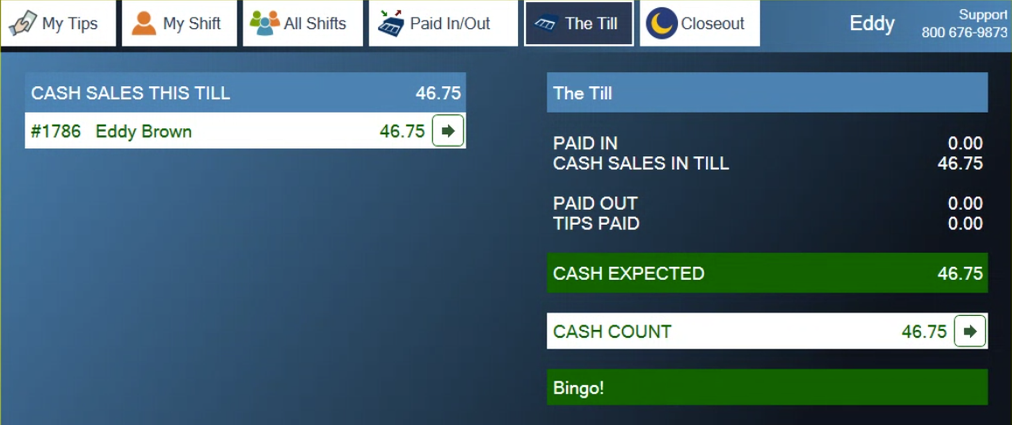
Figure 1. The Till tab with the count matching Cash Expected
Check these first
1. Was the till fully counted, and was the right bank start entered at the start of the day?
2. Were all paid-ins and paid-outs recorded?
3. Were everyone's tips taken out before the drawer was counted for closeout?
4. Was the drawer counted correctly? Did whoever counted it use the count form?
If the till is over
There is more money in the till than expected. Under Cash Count the tab shows OVER and the amount (Figure 2). The usual causes:
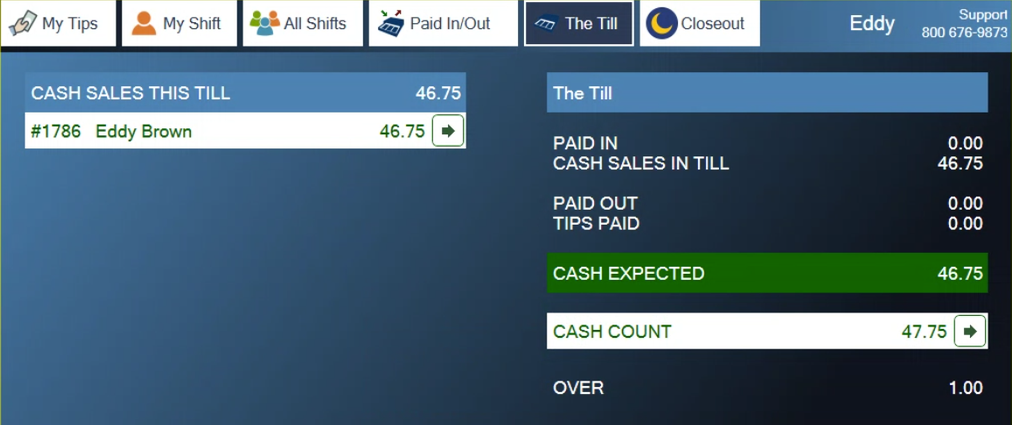
Figure 2. Cash Count is 1.00 more than Cash Expected
1. The count is wrong. If this keeps happening, have staff use the count form.
2. A paid-in was not recorded.
3. The bank start was not recorded, or was recorded wrong.
4. Someone using the till as their cash drawer did not take their tips out before counting.
If the till is under
There is less cash than expected, or the figure is negative. Under Cash Count the tab shows UNDER in red and the amount (Figure 3). The usual causes:
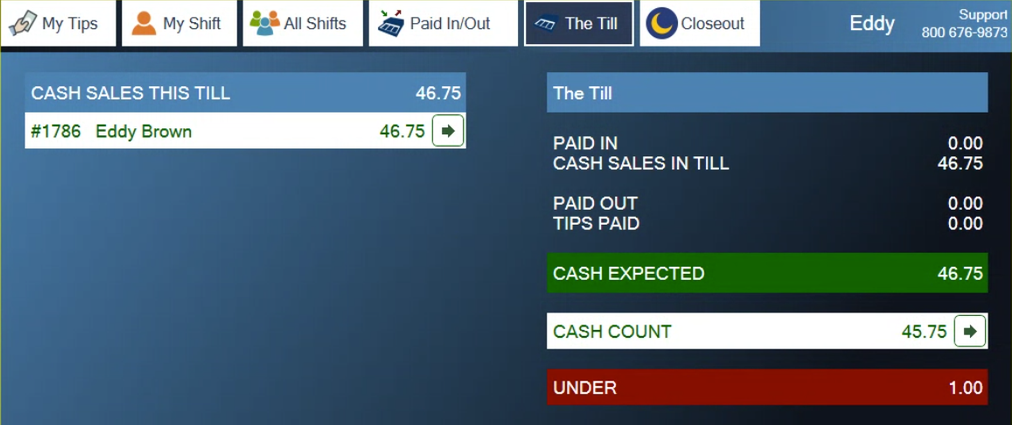
Figure 3. Cash Count is 1.00 less than Cash Expected
1. The count is wrong. If this keeps happening, have staff use the count form.
2. The bank start was recorded higher than what was really in the till.
3. A paid-in was not recorded when someone fetched cash from the safe to pay out credit card tips that came to more than the till held.
4. A paid-out was not recorded, for paying a vendor or making a safe drop.
About this guide
Applies to: the BREW POS terminal.
Last reviewed: 4 October 2026
BrewPOS How to use
Support 1-800-676-9874
Email [email protected]
© 2026 BREW POS. All rights reserved.
Privacy Policy | Terms and Conditions