
Moving tickets to another server
When someone else is taking over a table or a tab, move the ticket to them. You can move one ticket from the ticket itself, or every ticket you have open at once from your shift report, which is the quick way to hand over at the end of your shift.
Move one ticket
Open the ticket.
Tap more... at the bottom right of the order screen.
Tap Transfer.
Tap the person who is taking it over (Figure 1).
The POS says "Ticket was transferred to (name)" (Figure 2). The ticket leaves your My Tickets list and shows in theirs.

Figure 1. Pick who takes the ticket. Only staff who already have an open ticket are listed
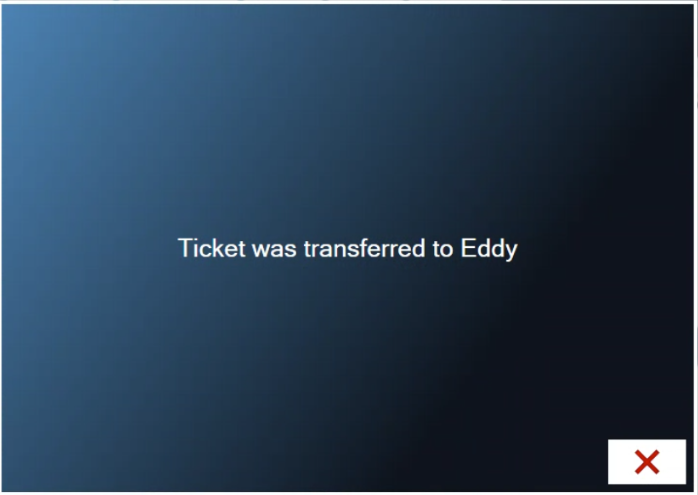
Figure 2. The ticket has moved
Only staff with an open ticket are listed. If nobody else has a ticket open yet, the POS says "No one else has any tickets yet. Transfer is cancelled." Ask the other server to start a ticket first, or use Transfer All Tix below, which lists everyone.
Move all your tickets at the end of your shift
You can't run your shift report while you still have open tickets. Instead of moving them one at a time, hand them all over in one go.
Tap Shift at the top of the screen.
Tap My Shift. Your open tickets are listed in red under Open Tickets, and Run Shift Report is greyed out (Figure 3).
Tap Transfer All Tix at the bottom left.
Tap the person who is taking over (Figure 4). Everyone at the location is listed.
The POS says how many tickets moved, for example "2 tickets were transferred to Eddy" (Figure 5). The Open Tickets list is gone, and Run Shift Report turns on, with Complete your Shift Report above it (Figure 6). Carry on with your shift report as normal (see Starting and ending your shift).
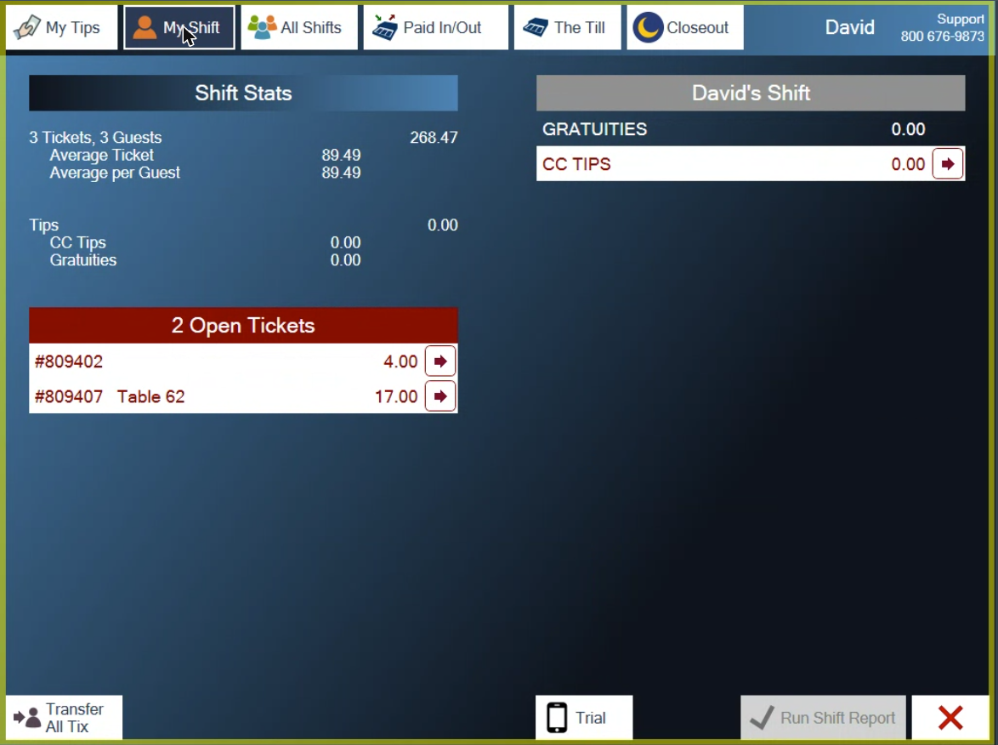
Figure 3. My Shift with two open tickets. Run Shift Report is greyed out until they are gone

Figure 4. Transfer All Tix: pick who takes over every open ticket
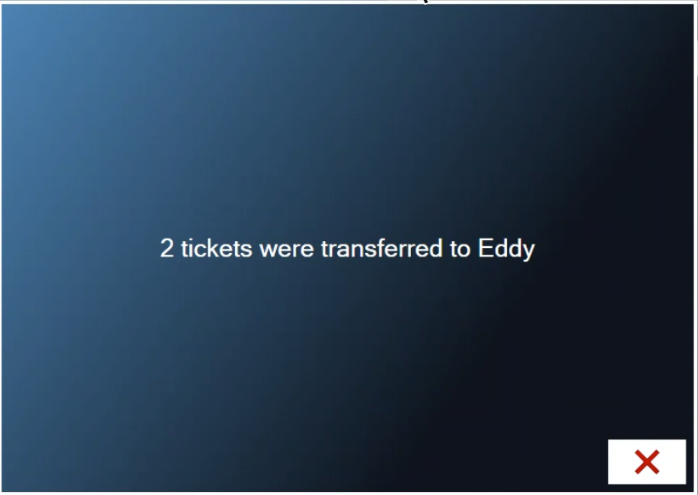
Figure 5. Both tickets moved in one step
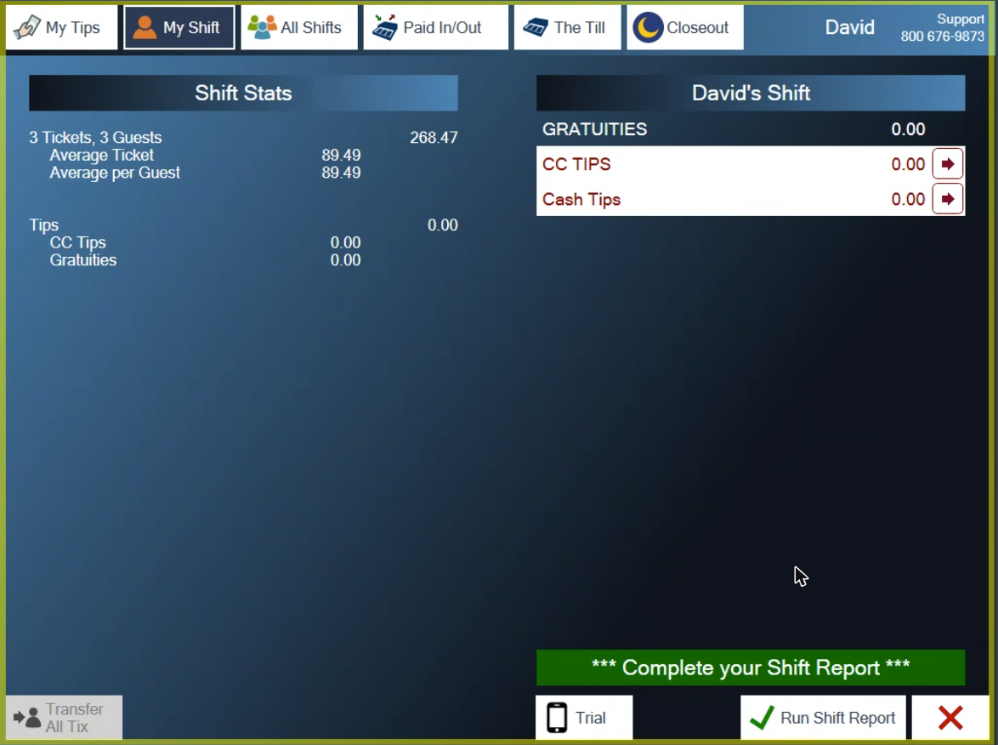
Figure 6. No open tickets left. Run Shift Report is ready
Managers can do this for someone who has already left. On the Shift screen, tap All Shifts, tap the server's shift, then Transfer All Tix.
Who can move tickets
Moving tickets is a permission set for each employee in Admin. It has three settings:
None: the employee can't move tickets.
Open: the employee can move open tickets.
Both: the employee can also move a sale that is already closed, from Tools > History > Transfer.
Managers can always move tickets. If Transfer does nothing for you, ask a manager.
About this guide
Applies to: the BREW POS terminal.
Last reviewed: 1 October 2026
BrewPOS How to use
Support 1-800-676-9874
Email [email protected]
© 2026 BREW POS. All rights reserved.